DLSS 5 for Your Entire Desktop? A Free App Brings Neural Rendering to Your Screen!
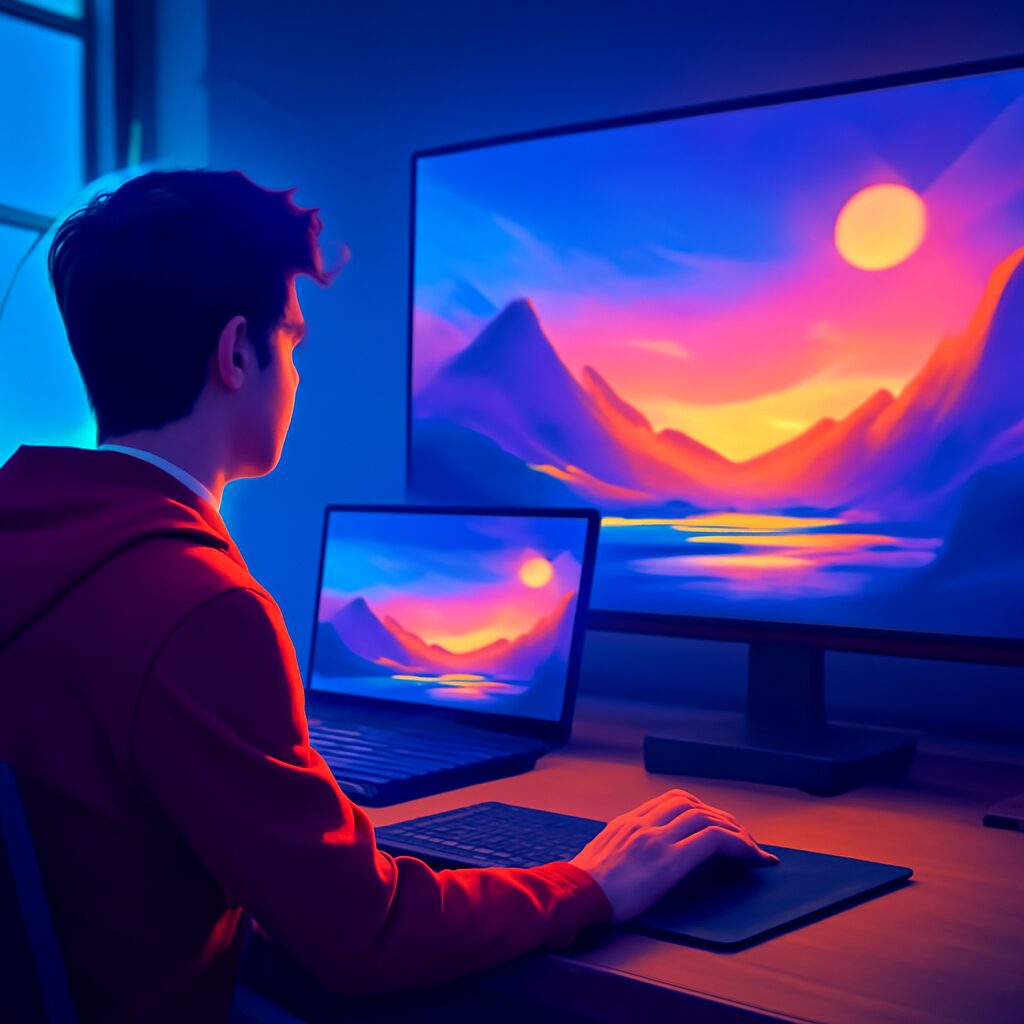
The world of PC gaming is always buzzing with new tech, and Nvidia’s DLSS has been a game-changer, literally. From boosting frame rates to sharpening visuals, it’s become a staple for many of us with powerful RTX cards. While DLSS 5 has recently started appearing in actual games, giving us a taste of its neural rendering magic, what if you could splash that same visual wizardry across your entire desktop?
Well, buckle up, because a clever developer has cooked up a free application that lets you do exactly that. Imagine applying DLSS 5 not just to your favorite titles but to your everyday browsing, video watching, and even your desktop wallpaper. It sounds wild, and it’s here!
DLSS 5: Beyond Just Games
For those who might be scratching their heads, DLSS (Deep Learning Super Sampling) is Nvidia’s AI-powered upscaling technology. It renders games at a lower resolution and then uses artificial intelligence to upscale them to a higher resolution. The result often looks even better than native rendering, all while significantly improving your game’s performance. DLSS 5, in particular, is an advanced iteration focused on “neural rendering,” pushing the visual boundaries even further with smarter, more detailed upscaling.
Until now, if you wanted the DLSS 5 experience, you had to play specific games that officially supported it. But a talented developer known as Perseval BLR on GitHub has released an ingenious tool called DLSS 5 NeuralScreen. This free application takes the core idea of DLSS 5 and makes it available system-wide. Think of it as a universal visual enhancer for your PC, allowing you to experiment with this cutting-edge tech in ways previously unimaginable.
Getting Started: Your Desktop, Super-Sampled!
The best part? Getting this running on your rig is surprisingly straightforward. You don’t need to be a coding wizard or dive deep into complex settings. All you have to do is head over to the developer’s GitHub page, grab the latest version of the DLSS 5 NeuralScreen app, and run the executable file. That’s it! Once it’s installed, you’ll have access to various customization features, allowing you to tweak the intensity of the DLSS effect and even change resolutions on the fly.
And here’s some fantastic news for many Pakistani gamers: this isn’t just for the absolute latest graphics cards. The app is designed to work with RTX 30-series cards and up. So, if you’re rocking an RTX 3060, 3070, or anything newer, you’re good to go and can start experimenting with desktop-wide DLSS 5.
But why would you want to apply DLSS to your entire desktop, you ask? It’s not just about making your icons look super sharp. The real magic happens in your everyday digital life:
- Video Playback: Watch your favorite movies, TV shows, or YouTube videos with an extra layer of visual enhancement.
- Image Viewing: Open up any picture, and NeuralScreen will work its magic, potentially making your photos pop even more.
- Windowed & Borderless Gaming: This is where it gets interesting for gamers. While it doesn’t support true fullscreen, any games you run in borderless windowed mode or a standard window will benefit from the DLSS 5 treatment. This opens up a world of possibilities for older titles or games without native DLSS support.
Plus, the convenience factor is huge. Instead of diving into individual game settings and tweaking graphics options within each title, you can simply toggle NeuralScreen on or off in moments, making it a far more efficient way to test out the DLSS 5 look across different applications.
The Flip Side: Understanding the Limitations
Now, before you go all in and transform your desktop into a neural-rendered paradise, it’s crucial to understand that this is a third-party, community-made tool. As such, it comes with a few caveats and limitations:
- The “Look”: DLSS 5’s neural rendering has a distinctive aesthetic. Some absolutely love it, finding it sharper and more detailed, while others might find it a bit too “processed” or artificial. It’s truly a “love it or hate it” visual style, so be prepared to see if it’s your cup of tea.
- No HDR Support: Unfortunately, if you’re rocking an HDR monitor and love those vibrant colors, NeuralScreen won’t play nice. It currently does not support High Dynamic Range, which is a bummer for many modern setups.
- Resolution Cap: The application is limited to a maximum resolution of 2560 x 1440. So, if you’re a 4K monitor user, you won’t be able to enjoy the full resolution benefits of this tool on your native display.
- Latency Impact: Applying real-time AI processing to your entire screen isn’t without its cost. NeuralScreen adds a noticeable 40-60 ms of latency. For casual use or single-player games, this might be acceptable. However, for competitive online gaming, this amount of added delay could be a significant disadvantage.
- Anti-Cheat Concerns: This is a big one for online gamers. The developer’s GitHub page explicitly warns that running NeuralScreen on online competitive games could potentially trigger anti-cheat software. This is due to the way the app interacts with system processes (specifically
nvngx.dll) and its fullscreen overlay. So, for the sake of your accounts, it’s highly recommended to avoid using this during online multiplayer sessions. - Performance Hit: Beyond latency, running an additional real-time processing application will naturally consume some of your GPU resources, leading to a performance impact on whatever else you’re doing.
For us Pakistani gamers, this free DLSS 5 NeuralScreen app offers a unique opportunity to tinker with advanced rendering technology and see what the future of visual enhancement might look like. While it has its limitations, especially for competitive play, it’s a fascinating experiment for single-player enthusiasts, content creators, or anyone simply curious about pushing their PC’s visual capabilities. Just remember to proceed with caution and enjoy the ride!