Freedom to Build: Paralives Revolutionizes Home Design for Gamers
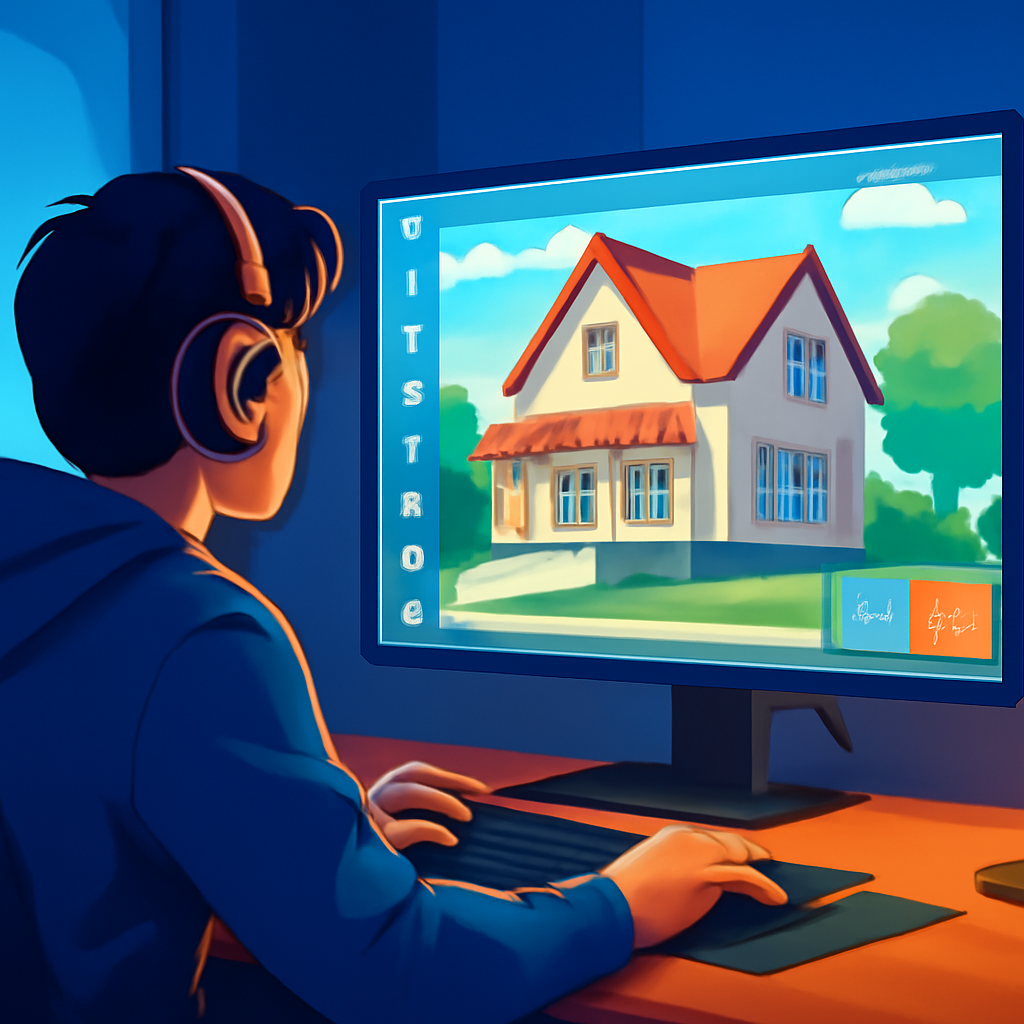
As a seasoned player of life simulation games, I’ve always found myself trying to recreate real-life homes—whether it’s my childhood abode or a house I spotted recently. But in The Sims series, I often hit a wall, quite literally, due to the restrictive grid-based building system. That’s why I’ve fallen head over heels with Paralives. Its gridless environment allows for a much more authentic building experience, even letting you import a real-life blueprint straight into the game and trace it!
Since the launch of Paralives, gamers have been buzzing about the incredible options available for importing custom images. One cool trick involves a small mod that lets you upload a blueprint image onto a rug, which serves as a template to sketch out your walls in Build Mode. And guess what? It actually works like a charm!
To get started with this nifty rug floor plan, you’ll first need to make some adjustments. Your imported blueprint won’t be sized correctly from the get-go. To fix that, build two walls using the measurements listed on your blueprint, and then resize your image to fit. You can even switch between metric and imperial units in the settings menu for your convenience.
Once you’ve constructed your walls and doors, simply move the rug aside to reveal your handiwork. Here’s how to make it happen:
- Download Bunny’s Customizable Rug from the Steam Workshop.
- Save a floor plan image that you want to replicate on your PC (preferably one that includes measurements).
- In Build Mode, use the search function to find Bunny’s Custom Rug.
- Click the “change image” icon, find the custom image button, and import your blueprint.
- Resize the rug to the correct scale.
- Make sure to turn off the grid while building walls and verify your measurement type in game settings (metric or imperial).
- Now, trace your walls!
In The Sims, building often requires a lot of imagination, where the realities of room dimensions are stretched a bit thin. Small spaces like closets or half baths can end up being way too large, and bedrooms need to be artificially inflated just to fit a basic bed. But with Paralives, it’s a revelation to see blueprints translate seamlessly into the game. For instance, I was able to create realistic 8’x11′ bedrooms, and lo and behold, a standard-sized bed actually fits perfectly!
However, not everything is perfect in this dream building scenario. I did run into some trouble with the sizing of showers. Even the smallest ones in the game measure 4 square feet, which is comically larger than the real-life versions I’ve encountered. Since showers are one of the few elements that aren’t resizable, a few of my attempts at cramped bathrooms haven’t quite panned out. Unfortunately, I haven’t discovered any mods yet that offer smaller shower options.
Despite these minor hiccups, creating life-like buildings has been an absolute joy after spending over two decades trying to mimic the homes around me. If only I could tell my younger self about this incredible feature!